Small, Local Packaged ERP or SAP SME Package (SAP B1) Honest Comparison
A small program's top package, or a big program's SME package? The real architectural diffrence between local ERP's and SAP B1 - from a consultant who has implemented both.
A small program's top package, or a big program's SME package? The real architectural diffrence between local ERP's and SAP B1 - from a consultant who has implemented both.
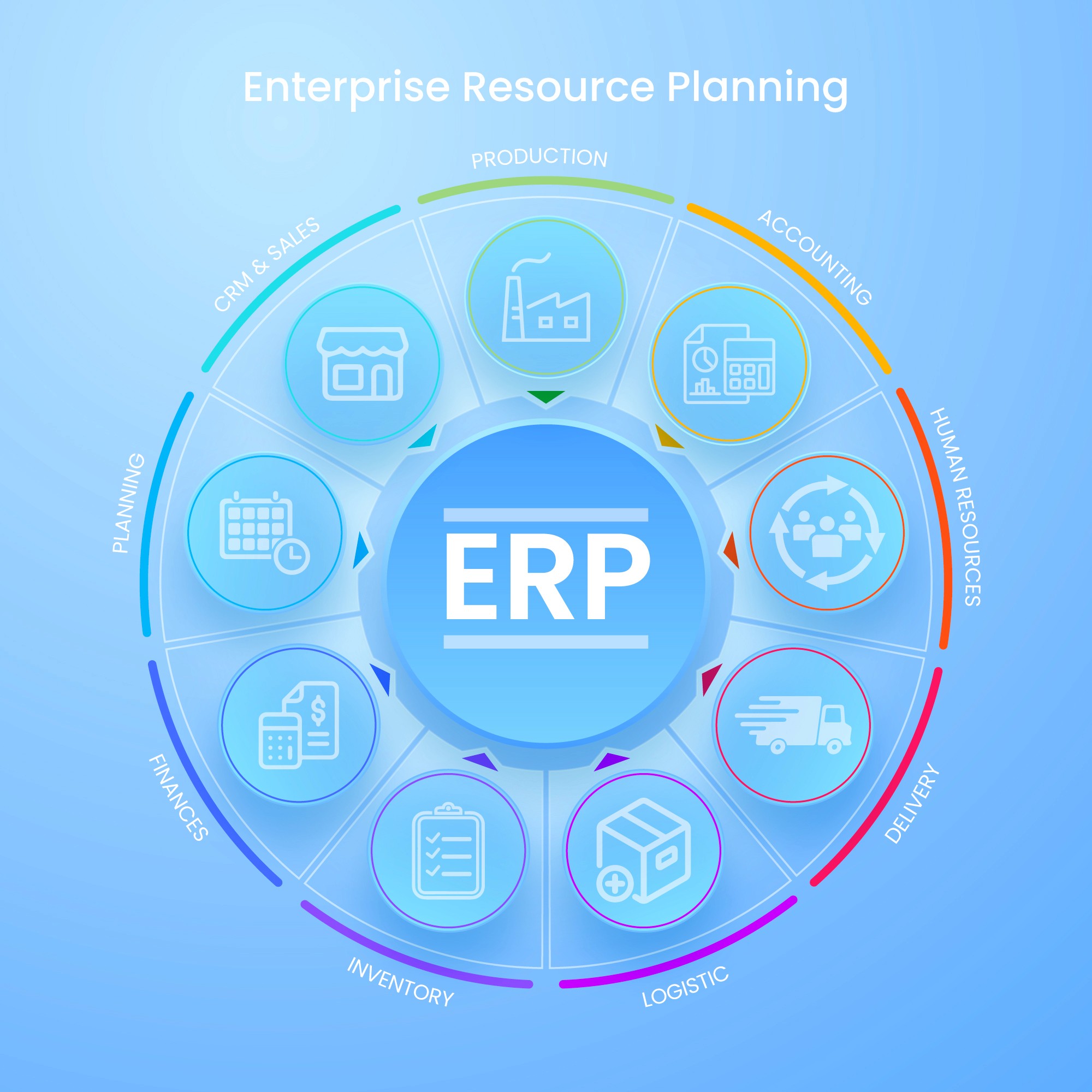
The short answer: The difference isn't in the price tag, but in the architecture: in local package ERPs, additional needs (custom reports, CRM, e-invoicing) are often met with add-ons that live outside the program and are priced module by module; in SME packages of large ERPs like SAP Business One, everything lives within a single program and is open to deep customization.
However, implementing global ERPs like SAP requires 3-4 times more consulting effort and time than implementing a packaged program. Also, the performance you get from the program is largely proportional to the performance of the partner company.
Which one suits you best depends on your growth plan and the complexity of your processes — criteria below.
Note of transparency: I have been consulting primarily on SAP Business One projects for 6 years; however, I have also seen many companies that have implemented local package ERPs in the field and during transition phases and are working very well. The purpose of this article is not to criticize a product, but to show the architectural difference that is not mentioned in the brochures. The following observations are based on my own projects; they may vary depending on the product and version.
The main difference: where do the modules reside?
As someone who has used both systems side-by-side, let me give you the clearest distinction. The question is: when a need arises (a new report, CRM, e-invoice), does the solution reside inside the program or outside of it?
In native ERP packages, solutions generally reside outside the program. Examples from my own projects: when you want a non-standard report, you may need to exit the program and switch to Excel — the consultant writes the report and links it to Excel, and this connection can sometimes break, requiring you to call the consultant again. If you are using CRM, you access a separate web interface; data communicates with the main program via transfer — it works more like an integration between two programs than a true integrated module. For e-invoices, a separate connection application opens; viewing or sending the invoice happens in a second window outside the main program. It feels as if these capabilities were added later like a patch and left outside the program. Pricing also reflects this architecture: +fee if you use CRM, +fee if you use payroll — the system is purchased module by module.
In my opinion, using different programs is contrary to the ERP structure. Even if the user doesn't see a problem in the interface, the data complexity in the background, the fact that they are packaged programs and therefore cannot be customized extensively, and the fact that the program's master data and processed transactions can be deleted can create very difficult situations for the consultant. I once encountered a font error while using the system's own reports in such a program. In my opinion, errors can be made in the queries written in custom reports, but system reports should always work properly and show real data.
In a large ERP's SME package, solutions live internally. In SAP Business One, reports, CRM, services, production — all run from within the same program. Even the production module you don't use is ready in the program; no extra license fee is required to access it, you open and use it when your business grows. Special needs are met not by exiting the program, but by queries written within the program, additional screens, and add-ons. In other words, the system is not a core that receives patches; It's like a single building to which additional rooms can be added.
This difference is felt in daily life as follows: in a local package, personnel navigate between 3-4 different windows/applications throughout the day, while in an integrated system they remain in a single-screen layout. It seems like a small difference in comfort, but over the years it accumulates as training, error, and data loss costs.
Let's give credit where credit is due: why are local packages so common?
Don't read this table and conclude "therefore, local packages are bad"—they have four strong and legitimate advantages.
You have to do it yourself. Getting a packaged ERP with SAP SME ERP is actually like buying an apartment from a site versus hiring an architect to build your own house. While you might not get exactly what you want when buying a ready-made apartment, you inevitably get an above-average experience because you can see a finished apartment. When you build your own house with an architect, you can customize it exactly as you want, but this time you risk exceeding your expectations in terms of time and cost, and depending on your architect, you risk having a below-average experience in terms of quality.
Localization comes ready-made. Turkish legislation, accounting practices, and declarations are readily available; updates come from the manufacturer when legislation changes. In SAP B1, however, localization and industry-specific content are largely missing – this gap needs to be filled by the consulting firm. You are at the mercy of your partner firm's capabilities for this filling, and sometimes this is reflected in the bill in man-days.
Implementation is quick and inexpensive. The honest figure is this: an SAP B1 project requires 3-4 times the man-days and project duration of a typical local package installation. A company that gets up and running within weeks with a local package will run the project for months with SAP B1. For a company with limited budget and patience, this difference is crucial.
The ecosystem is vast. Your financial advisor, the neighboring company's accountant, the junior accountant you'll hire—they most likely already know the local package. This is a hidden but real cost advantage.
So when is the big package worth it?
The SAP B1 side of the equation is: more effort first, an all-inclusive system after. In exchange for that 3–4x implementation investment, you get: the ability to bend the program to your processes when they don't fit the standard (instead of the reverse), no repeated purchasing every time you need a module, and no system replacement when you grow. The house-foundation analogy from my ERP selection article applies here too: if you have aggressive growth plans, the extra implementation effort you pay today is insurance against replacing your entire system tomorrow.
Local packages are usually enough for: companies with standard processes, a single location, compliance-heavy operations (mostly accounting + inventory) and no fundamental growth expected within 5 years. The big package deserves consideration for: multi-warehouse/multi-company structures, production or complex operations, growing export/foreign-subsidiary operations, and anyone who wants reporting instantly and inside the system — without exporting to Excel.
The invisible third factor: consultant quality
One warning: all of SAP B1's flexibility is only as good as the consultant implementing it. Because localization arrives empty, SAP B1 in the hands of a weak consultant can turn into an expensive, half-finished system — while a local package in the hands of a good consultant can run beautifully within its limits. So when evaluating quotes, question not just the software but the implementing team: their references in your industry and the actual staff they'll assign to you. Even a perfect program succeeds or fails on the alignment of the people implementing and using it — I covered that in detail in my ERP selection article.
A practical decision summary
Ask yourself three questions: (1) In 5 years, how many times today's size do I imagine this company? At 2x or more, the big package's implementation effort is insurance. (2) Do my processes fit the standard mold, or do I have unique workflows that differentiate me? Unique workflows = a need for a customizable system. (3) Can my team and budget carry a months-long project? If not, starting with a well-implemented local package beats a half-finished SAP project.
If you're undecided, that exact decision is what our free process analysis is for: in 60 minutes we look at your processes and growth plan and tell you — in writing, with reasoning — which category fits you. Sometimes our answer is "you don't need SAP" — and the fact that we can say that comes from our job being to build the right system, not to sell a product.
👉 [Book Your Free Process Analysis] (For English & Turkish for now)
Frequently Asked Questions
Isn't SAP Business One too big for an SME?
No — SAP B1 is a separate product designed specifically for SMEs; don't confuse it with enterprise SAP (S/4HANA). What feels "too big" is usually not the product but a poorly scoped project.
Can we move from a local package to SAP B1 later?
Possible, and common — but it's not an upgrade; it's a new project involving data migration and retraining. Its total cost usually exceeds the extra cost of starting with the bigger package — and the gap grows the longer the decision is postponed.
Why is module-by-module pricing a disadvantage? Aren't I avoiding paying for what I don't use?
On paper, yes; in practice, growing companies buy modules one by one, and after 3–4 years the total approaches the cost of the unified system — with each module bringing its own installation and integration headaches.
Why does SAP B1 implementation take so long?
Because localization and industry content arrive empty; the system is built around your processes. That's simultaneously the disadvantage (time, cost) and the advantage (the system is built to fit you, not a mold). The way to shorten it is choosing a consulting firm with ready templates and experience in your industry.